
Business Directory Data Extraction Using Octoparse
Building a Structured Business Database from Multiple Online Directories
Project Overview
A UK-based lead generation company needed to build a large, structured database of businesses across multiple locations and industries.
The client was collecting business information manually from online directories, which was time-consuming and difficult to maintain. They needed a reliable way to collect the required information at scale and receive it in a clean, consistent format.
Service: Web Directory Scraping
Technology: Octoparse
Industry: Lead Generation & B2B Data
Target Market: UK
Data Type: Business & Contact Information
Delivery: CSV / Excel
The Challenge
The client needed business information from several online directories covering multiple locations and categories.
Their existing process involved manually searching directory pages and copying information into spreadsheets. This created several problems:
- Large amounts of manual work
- Inconsistent data formatting
- Duplicate business records
- Difficulty handling pagination and multiple locations
- Time-consuming extraction from individual business pages
- No efficient process for recurring data collection
The client wanted a more structured process that could collect the required information while reducing manual effort.
Our Approach
We designed the scraping workflow using Octoparse, based on the structure and behaviour of the target directories.
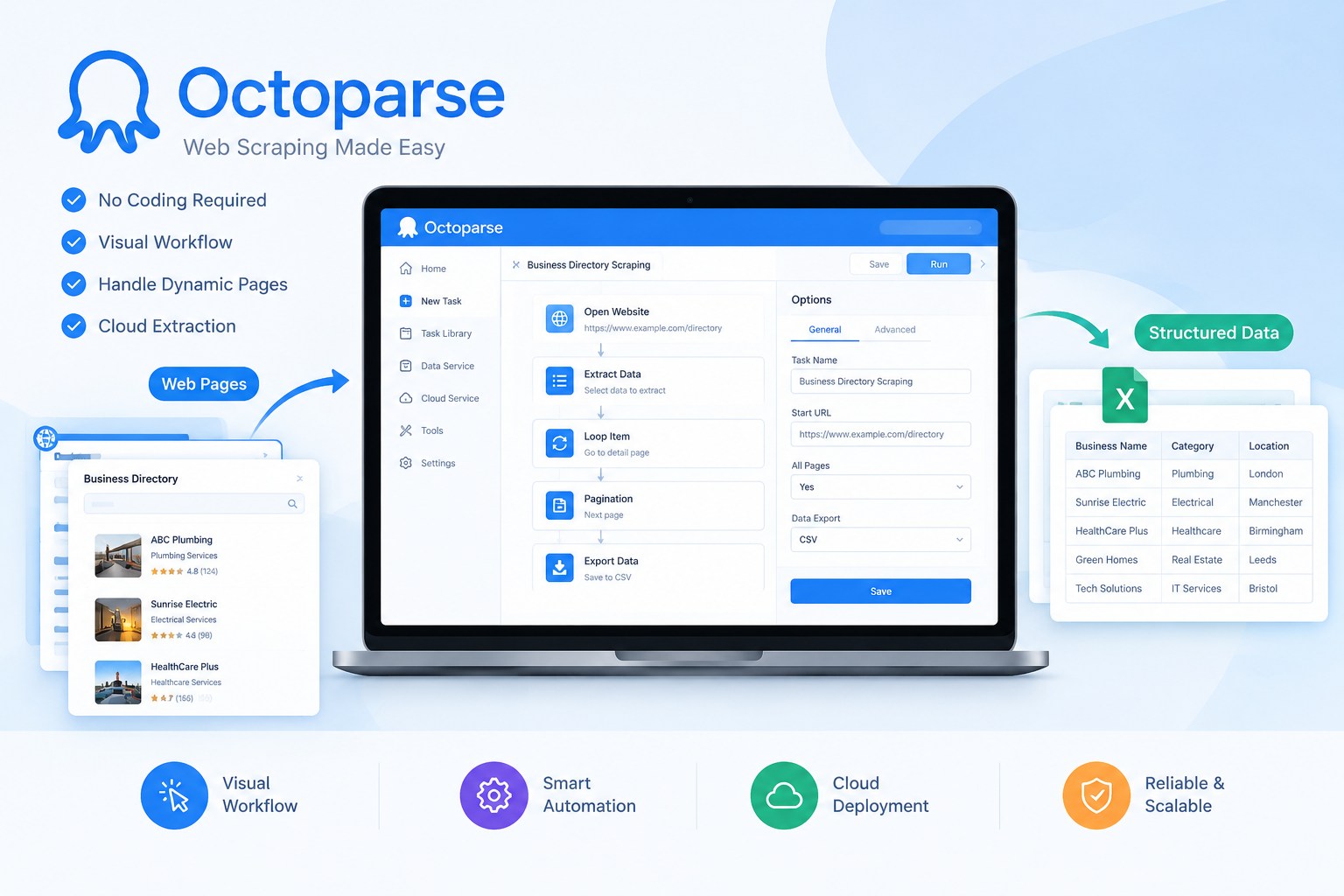
Octoparse allowed us to create visual extraction workflows that could navigate listing pages, follow pagination, open individual business profiles and extract the required fields.
Instead of simply exporting raw scraped data, we also focused on making the final dataset usable for the client’s lead generation workflow.
Data fields included
Depending on the directory, the extraction included:
- Business Name
- Business Category
- Address
- City
- Postcode
- Phone Number
- Website
- Business Description
- Rating
- Review Count
- Directory URL
- Other required fields
Octoparse Workflow
The scraping workflow was structured around the directory’s navigation pattern.
01. Open Target Directory
The required directory pages and search URLs were loaded into the Octoparse workflow.
02. Extract Business Listings
Octoparse was configured to identify the business listing elements and collect the required fields.
03. Handle Pagination
The workflow automatically moved through subsequent listing pages so that records were not limited to the first page.
04. Open Business Profiles
Where additional information was available only on individual business pages, the workflow opened each listing and extracted the required details.
05. Handle Dynamic Elements
For pages using dynamic loading or actions such as “Load More”, the workflow was configured around the site’s specific behaviour. Octoparse supports workflow actions such as pagination, clicking elements, scrolling and extracting data from multiple page levels.
06. Test and Validate
Before running the full extraction, we tested the workflow against multiple pages and reviewed the extracted records for missing or incorrectly mapped fields.
Data Cleaning & Processing
Raw extraction was only the first step.
After collecting the records, we processed the data to make it suitable for the client’s lead generation activities.
The post-processing included:
- Duplicate removal
- Field normalization
- Phone number formatting
- Address standardization
- Empty-field checks
- Category normalization
- Website URL cleanup
- Data validation
- Final column mapping
This helped turn the scraped output into a structured business database rather than simply delivering an unprocessed export.
Cloud-Based Data Collection
For recurring extraction requirements, the Octoparse workflow can also be deployed through Octoparse Cloud.
Cloud extraction allows supported tasks to run without keeping the user’s computer running, while scheduled runs can be configured for recurring data collection. Octoparse also supports exports such as CSV, Excel, JSON, Google Sheets and databases depending on the setup and plan.
For this project, the workflow was designed so that it could be reused for future data collection rather than being a one-time manual process.
The Result
The completed workflow gave the client a repeatable process for collecting business directory data.
Project results:
- 50k+ business records collected
- 20 locations covered
- 30+ business categories processed
- 15% duplicate records removed during cleaning
- 17+ required data fields delivered
- Data delivered in CSV/Excel
- Repeatable scraping workflow created for future extraction
Business Impact
The main improvement was not simply the volume of data collected. The client moved from a manual research process to a repeatable data collection workflow.
This helped them:
- Reduce manual data collection
- Build larger business databases
- Standardize information across sources
- Spend less time copying data between websites and spreadsheets
- Reuse the scraping workflow for future campaigns
- Work with cleaner, more structured lead data
Why We Used Octoparse
Octoparse was suitable for this project because the required workflow involved visual interaction with directory websites, pagination, multiple levels of pages and structured field extraction.
Its workflow-based approach allows scraping tasks to be configured around actions such as opening pages, clicking elements, looping through listings and extracting data.
For recurring projects, Octoparse Cloud can additionally support scheduled extraction and cloud-based execution without requiring the local application to remain open.
At Cronbyte, we select the scraping approach based on the website, data requirements, scale and maintenance needs. Octoparse is one of the tools we use when it provides a practical fit for the project.
Ready to Automate Your Business?
Let’s discuss your project and unlock the power of automation and data.